YT Music Downloader
A clean, local web utility that converts YouTube videos to 320kbps MP3 audio files using yt-dlp and FFmpeg. Paste a URL, click convert, get your MP3. No ads, no popups, no subscriptions.
What It Does
YT Music Downloader is a Flask-based web application that serves as a professional-grade frontend for yt-dlp and FFmpeg. It allows users to paste any YouTube URL and receive a high-quality 320kbps MP3 file directly in their browser — all running locally on their own machine.
Unlike bloated online converter sites filled with ads, popups, and malware risks, this tool is dark, minimal, and professional. It runs entirely on your machine — no data is sent to any third party. The design philosophy is "Obsidian Precision": confident, technical but approachable, with every interaction serving a clear purpose.
How It Works
Paste URL
Copy any YouTube video link and paste it into the clean, centered input field.
Extract Audio
yt-dlp downloads the best available audio-only stream (typically opus or m4a) from YouTube.
Convert to MP3
FFmpeg converts the stream to a high-quality 320kbps MP3 file with proper metadata.
Download
The MP3 is streamed directly to your browser as a file download. Temp files are auto-cleaned.
The Complete Flow
Three simple steps from YouTube link to high-quality MP3 download
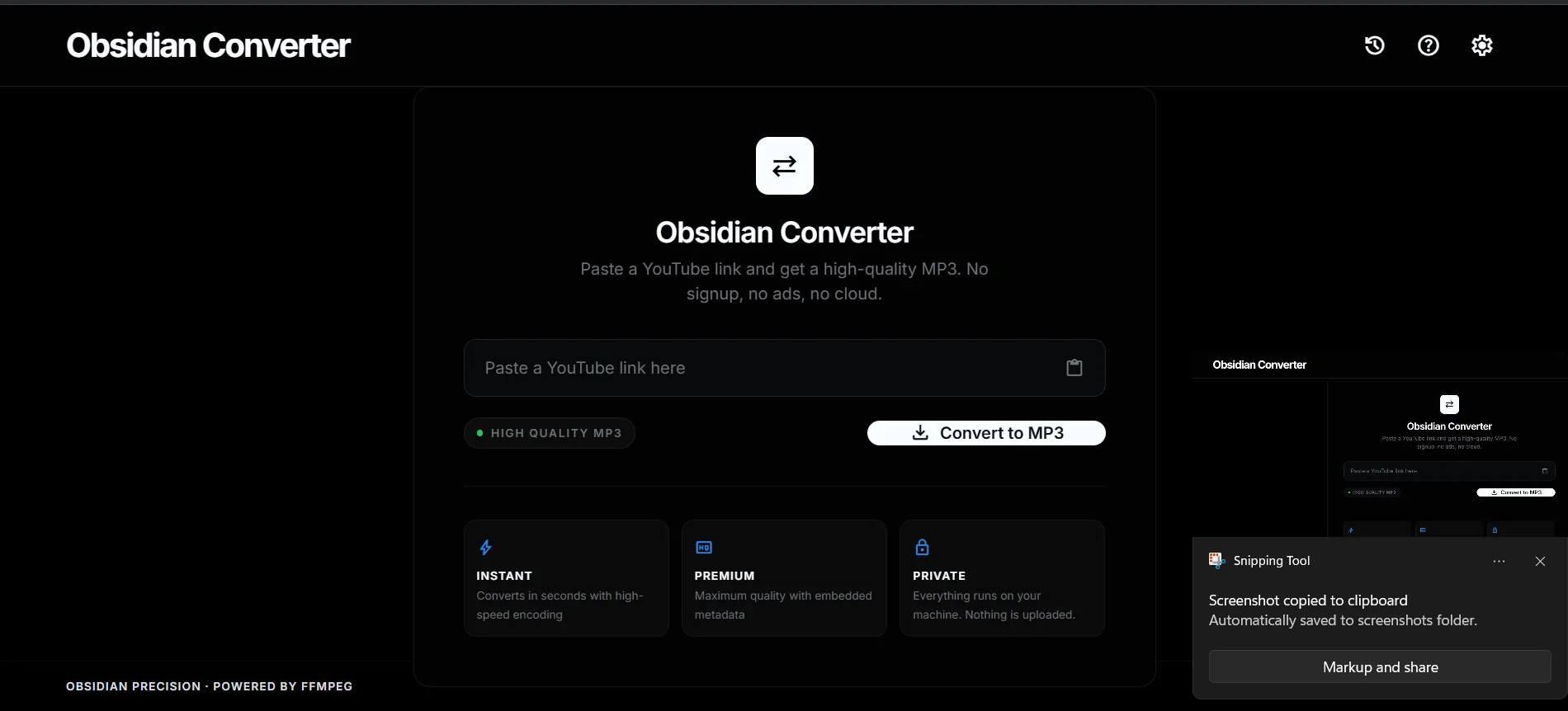
Paste & Convert
Drop any YouTube link into the clean input field and hit Convert to MP3
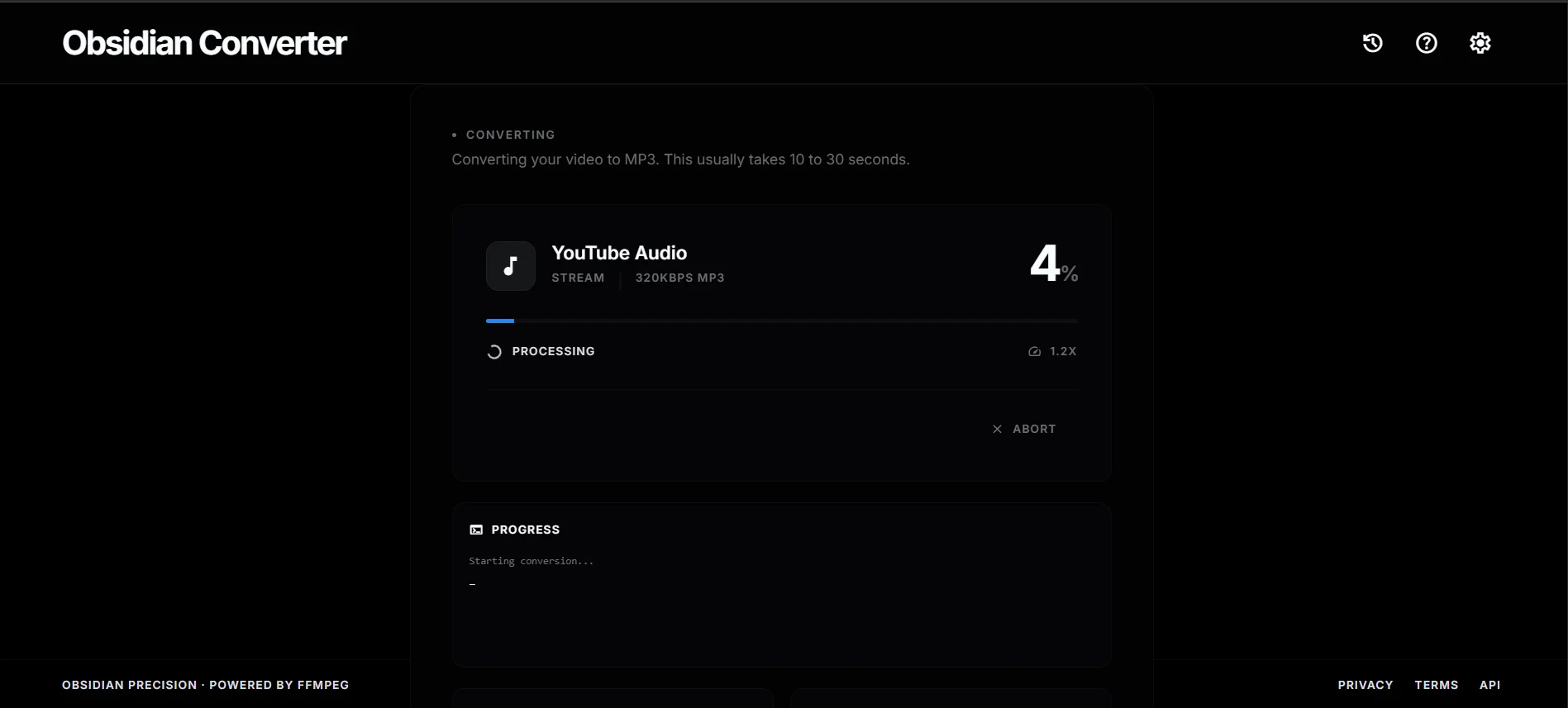
Processing
yt-dlp extracts the audio stream while FFmpeg encodes it to 320kbps MP3
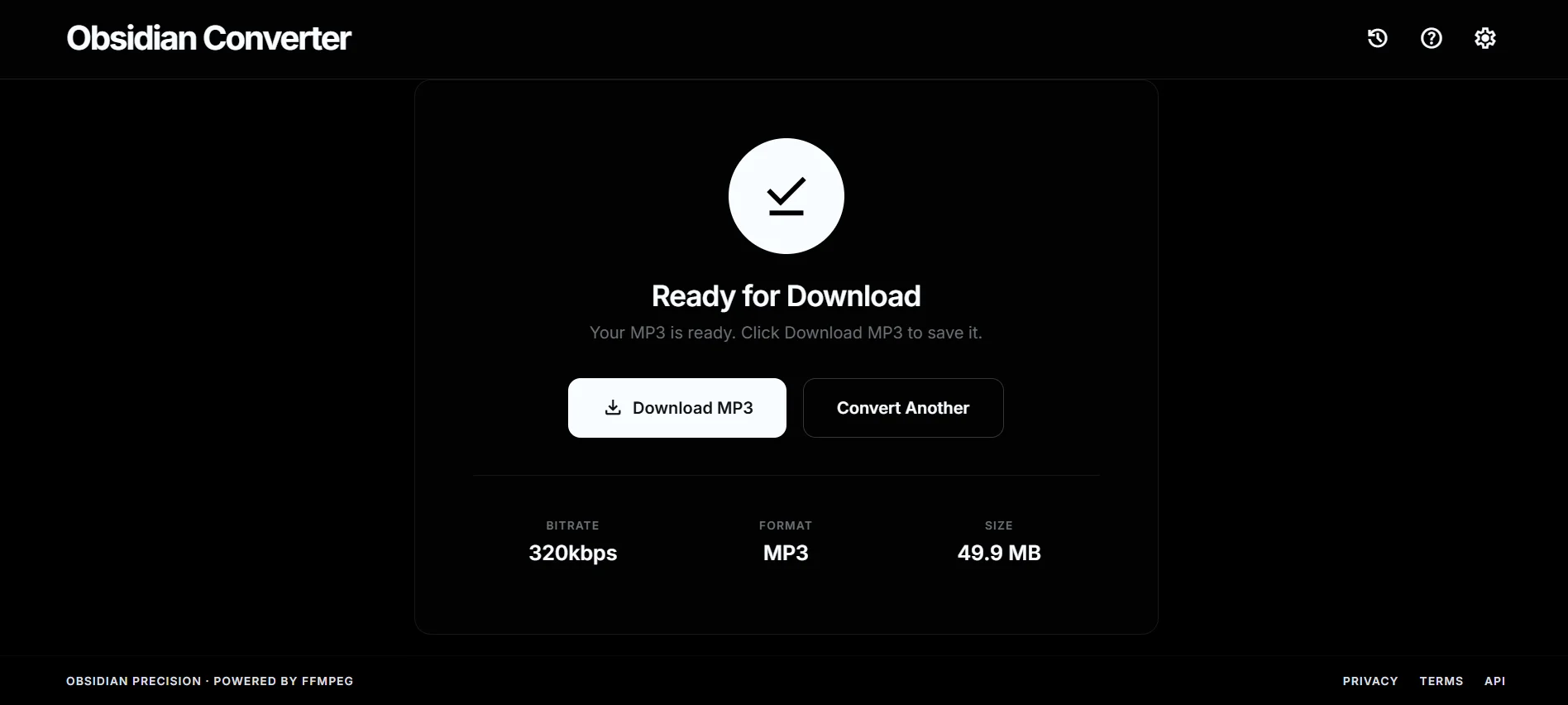
Download
Your MP3 is ready — click download and the file saves directly to your machine
Key Features
320kbps Quality
Maximum audio quality output. FFmpeg converts to the highest bitrate MP3 available, ensuring crisp, clear sound.
100% Local
Everything runs on your machine. No cloud processing, no data collection, no third-party servers. Your downloads stay private.
No Ads or Popups
Unlike free online converters, this tool has zero ads, zero popups, and zero malware. Clean, minimal, professional.
Auto Cleanup
Background thread automatically deletes temp files after 30 seconds. Your disk stays clean, no manual management needed.
Unique Filenames
UUID-based filename generation prevents file collisions when multiple conversions happen simultaneously.
Dark Mode Native
Desktop-first, dark mode native interface. Professional "Obsidian Precision" design that fades away and lets the result shine.
Tech Stack
Interested in this project?
I'm always open to discussing this tool, building similar utilities, or exploring new opportunities.