Chrono
AI Activity Timeline
A privacy-first desktop application for Windows that captures PC activity silently, groups events into intelligent sessions, and answers natural language questions using a fully local Ollama model. No data ever leaves the machine.
What It Does
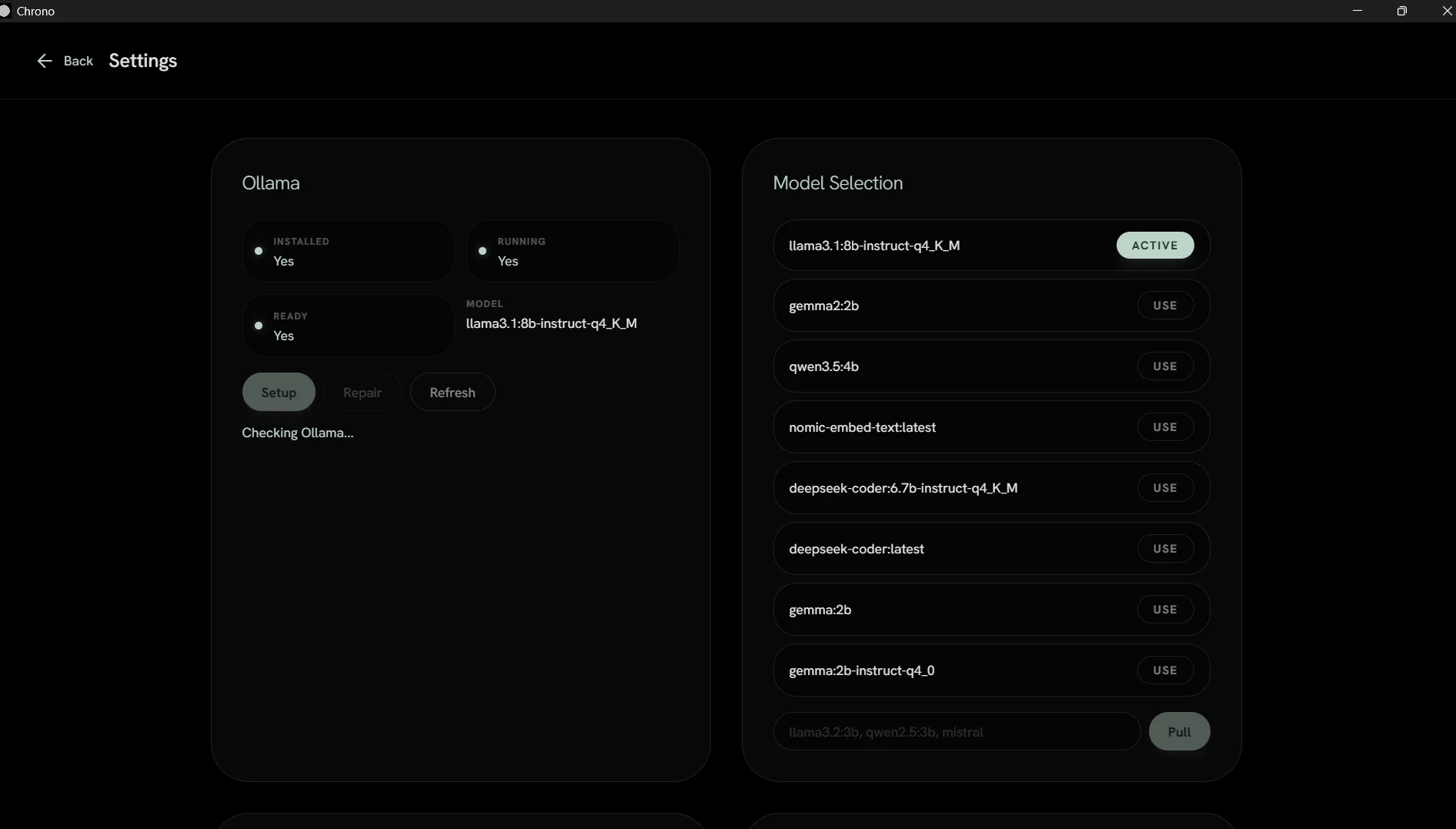
Chrono runs silently in the background on your Windows PC, capturing foreground window activity, browser URLs via Chrome DevTools Protocol, and file access events. It groups everything into intelligent sessions with idle detection, stores all data in an encrypted SQLite database, and answers questions like "What was I working on yesterday afternoon?" using a local Ollama model for semantic search and summarization.
The key differentiator: everything stays local. No cloud sync, no data selling, no tracking. Your activity data is yours alone, encrypted and redacted of sensitive information.
The Chrono Experience
From silent activity capture to natural language search — all in a privacy-first desktop app
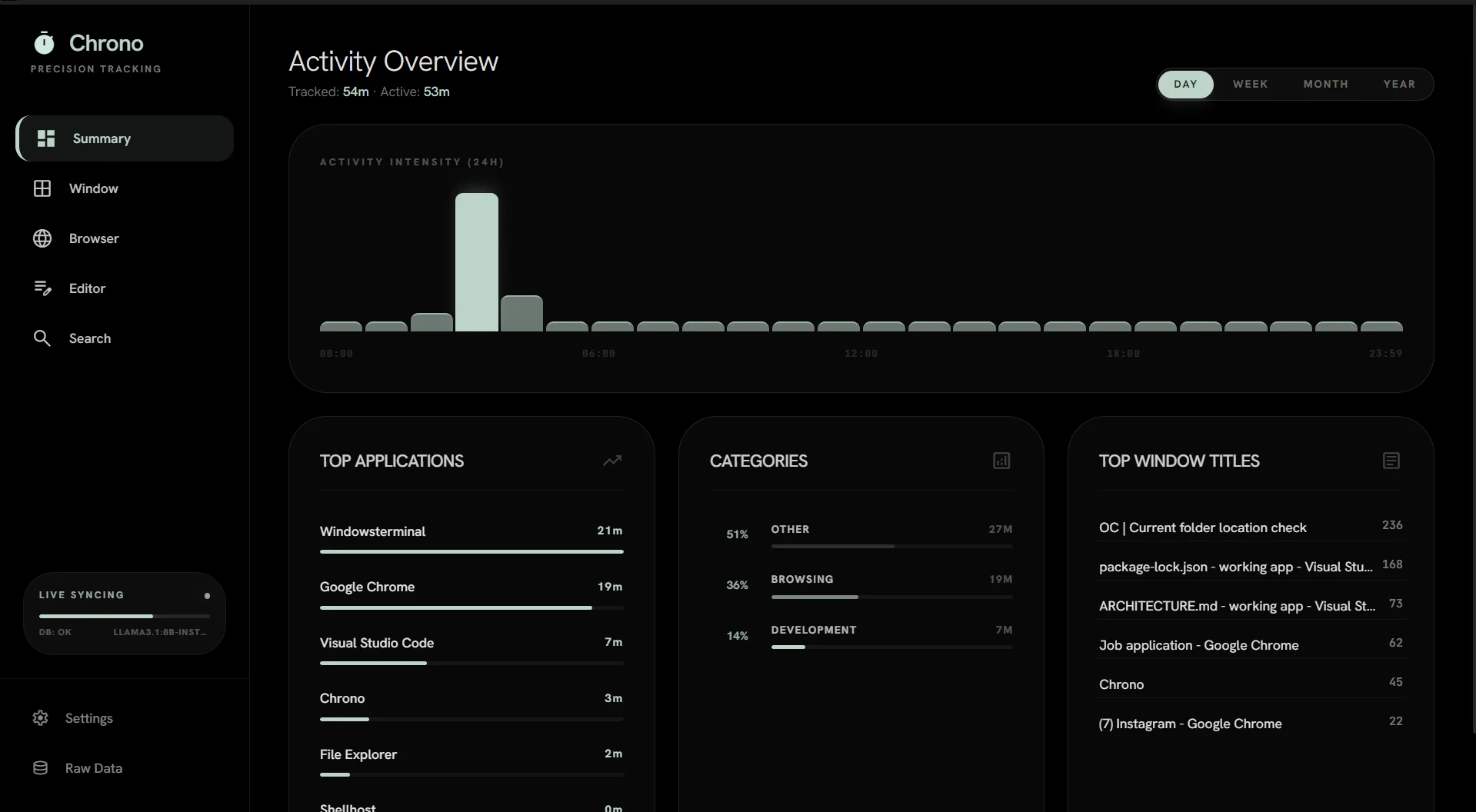
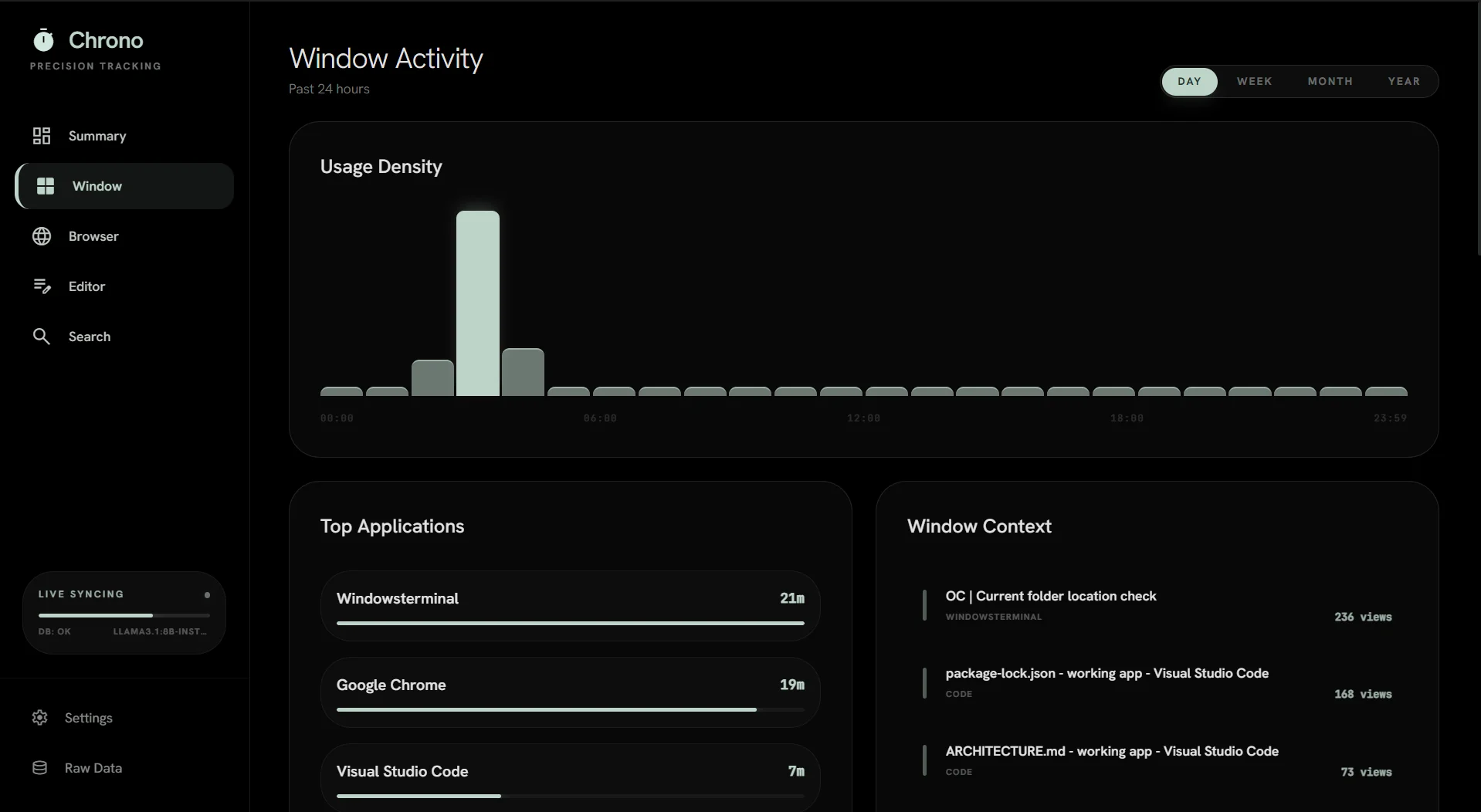
Activity Dashboard
Overview of your PC activity with timeline, sessions, and productivity insights
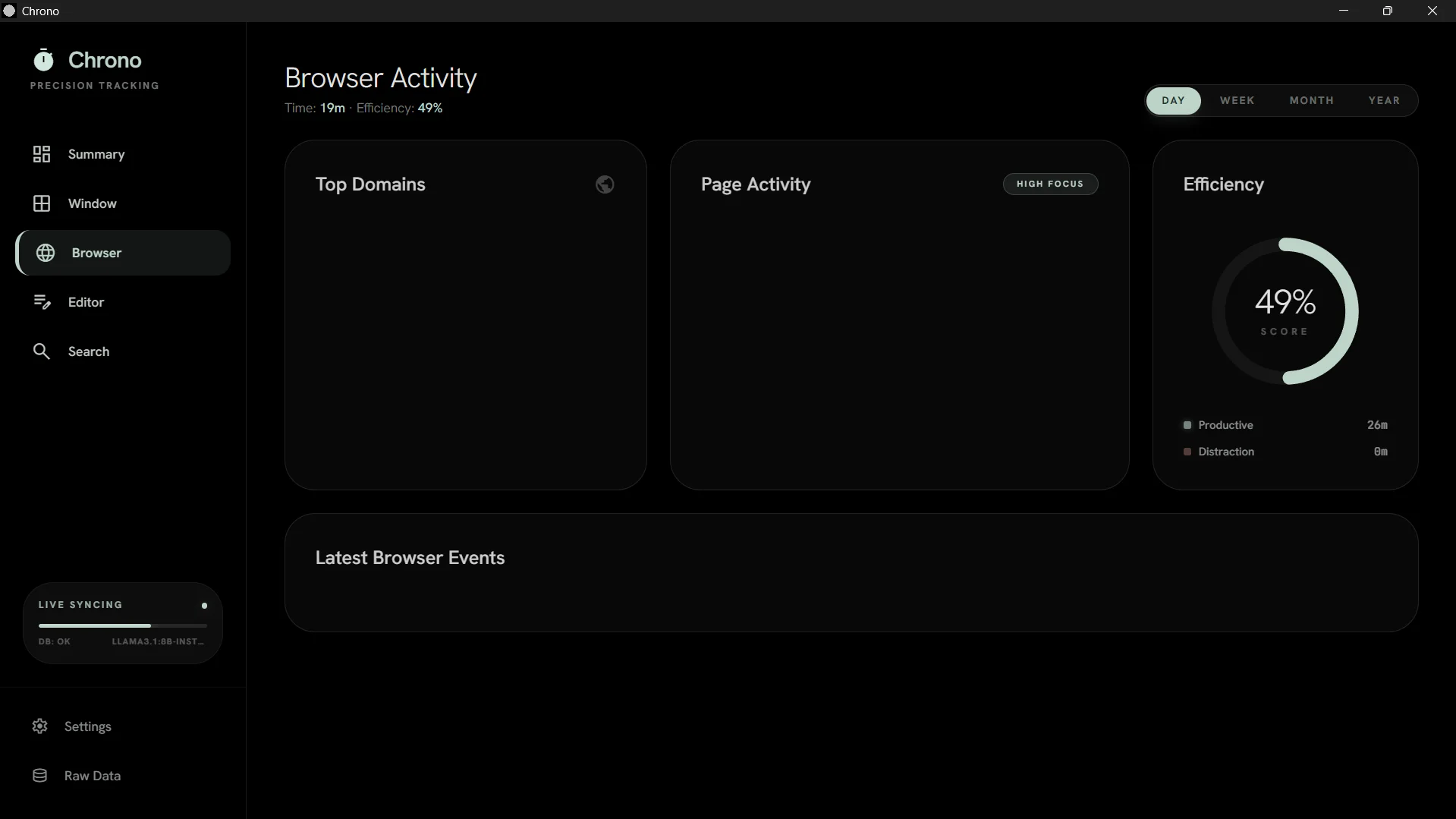
Session Management
Intelligent grouping of events with idle detection and one-click session restore
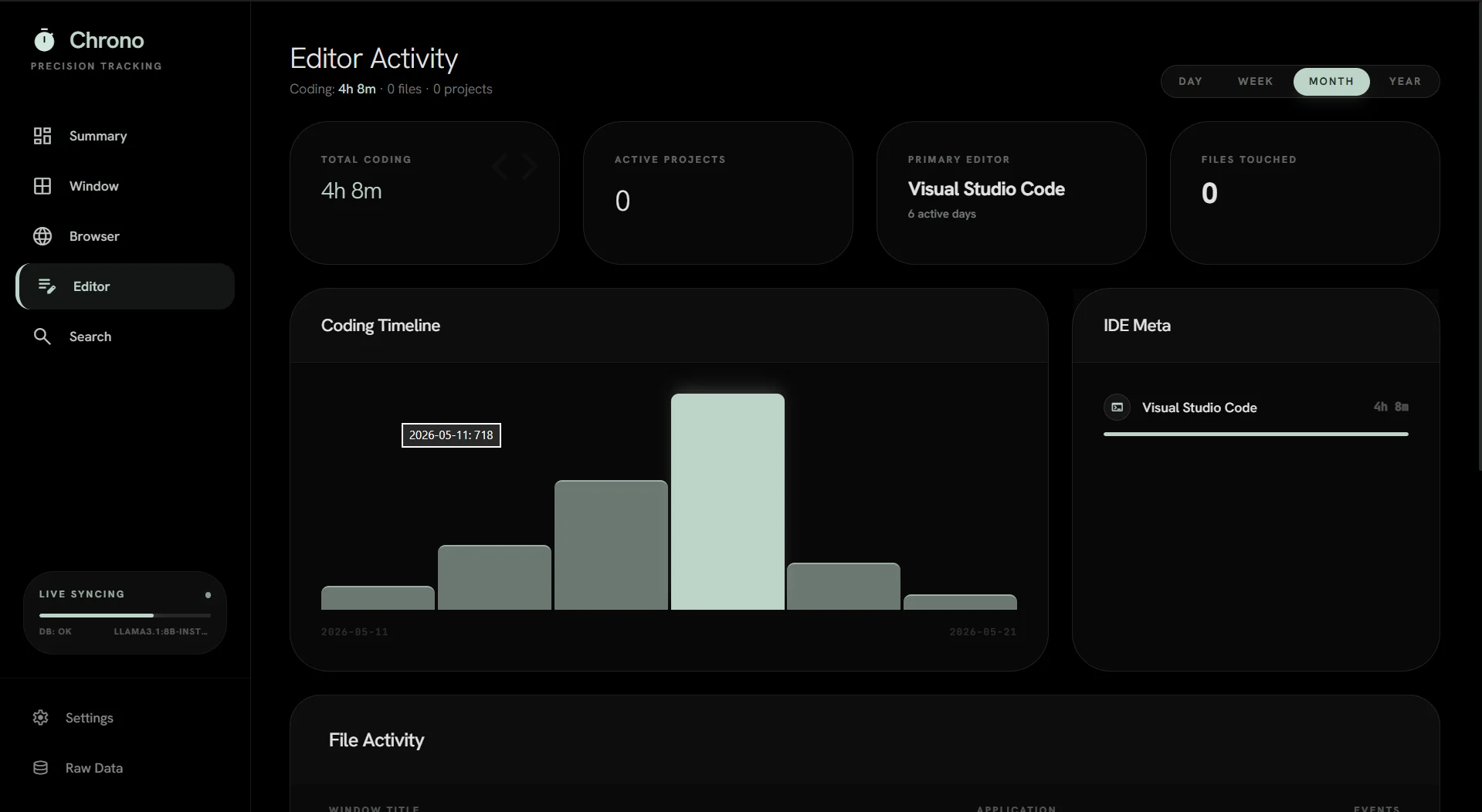
Editor Tracking
Track time spent in IDEs, code editors, and development tools
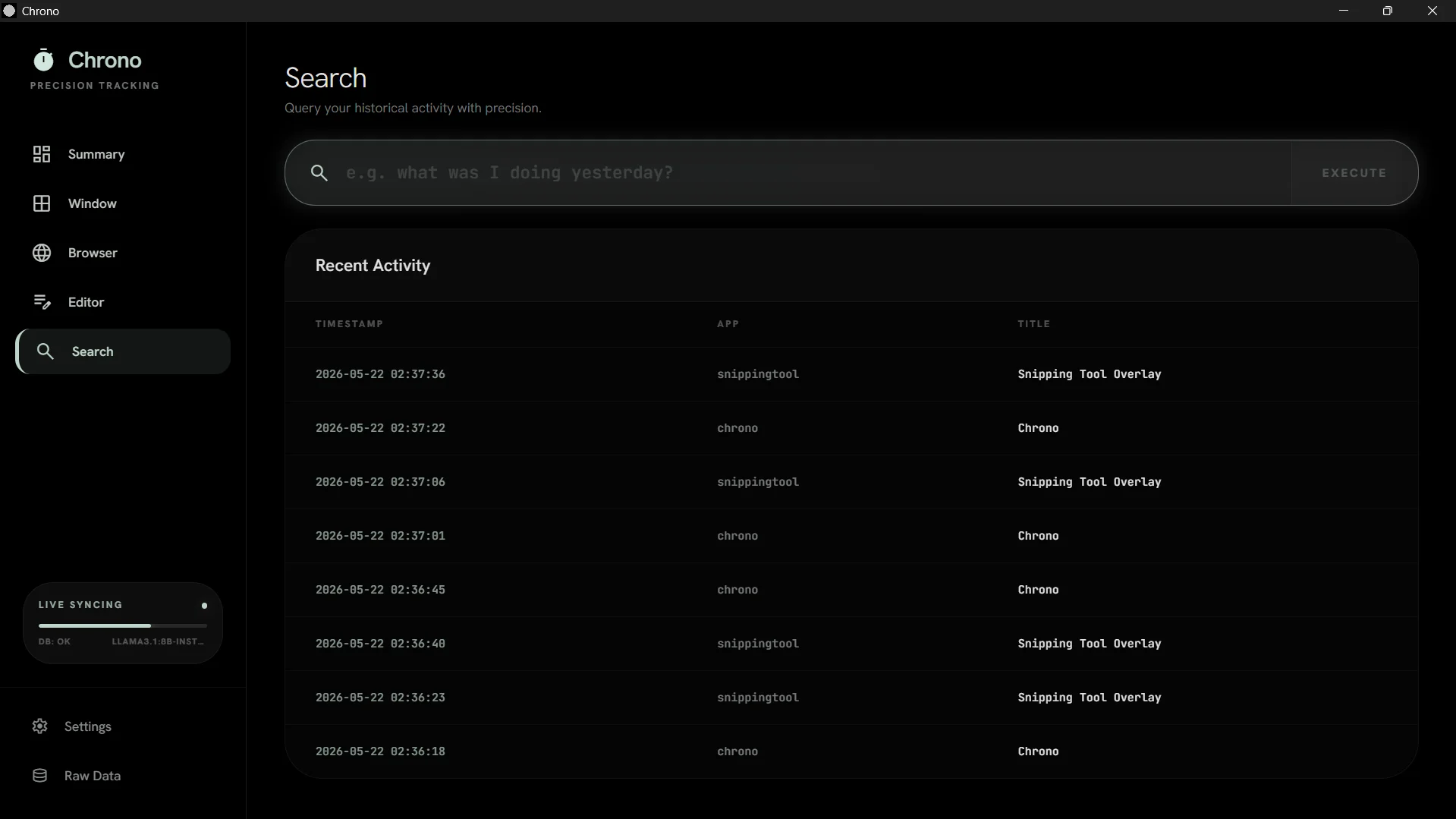
Browser Activity
Monitor tabs, URLs, and time spent across all your web browsers
Natural Language Search
Ask questions like "What was I working on last Tuesday?" with semantic search across all your activity
Privacy Controls
Redact sensitive data, exclude apps, and encrypt your activity database locally
Key Features
Silent Activity Capture
Foreground window detection via Win32 API, browser URL capture via CDP with process memory fallback. Runs invisibly in the system tray.
Session Management
Intelligent grouping of raw events into sessions with idle detection. Automatically identifies when you switch contexts or take breaks.
Natural Language Search
Ask questions like "What was I working on last Tuesday?" Temporal parsing + Ollama embeddings for semantic search across all your activity.
5 Dashboard Views
Summary, Window, Browser, Editor, and Search — each providing a different lens into your activity patterns and productivity.
One-Click Session Restore
Reopen all apps and URLs from a past session with a single click. Pick up exactly where you left off, days or weeks later.
Privacy Redaction
Regex-based redaction of sensitive data, app exclusion list for password managers. Encrypted SQLite database with FTS5 full-text search.
Tech Stack
Interested in this project?
I'm always open to discussing Chrono, collaborating on privacy-first tools, or exploring new opportunities.